Beginner's guide
Choose a game, become a character, and enter your first living world.
Find a game
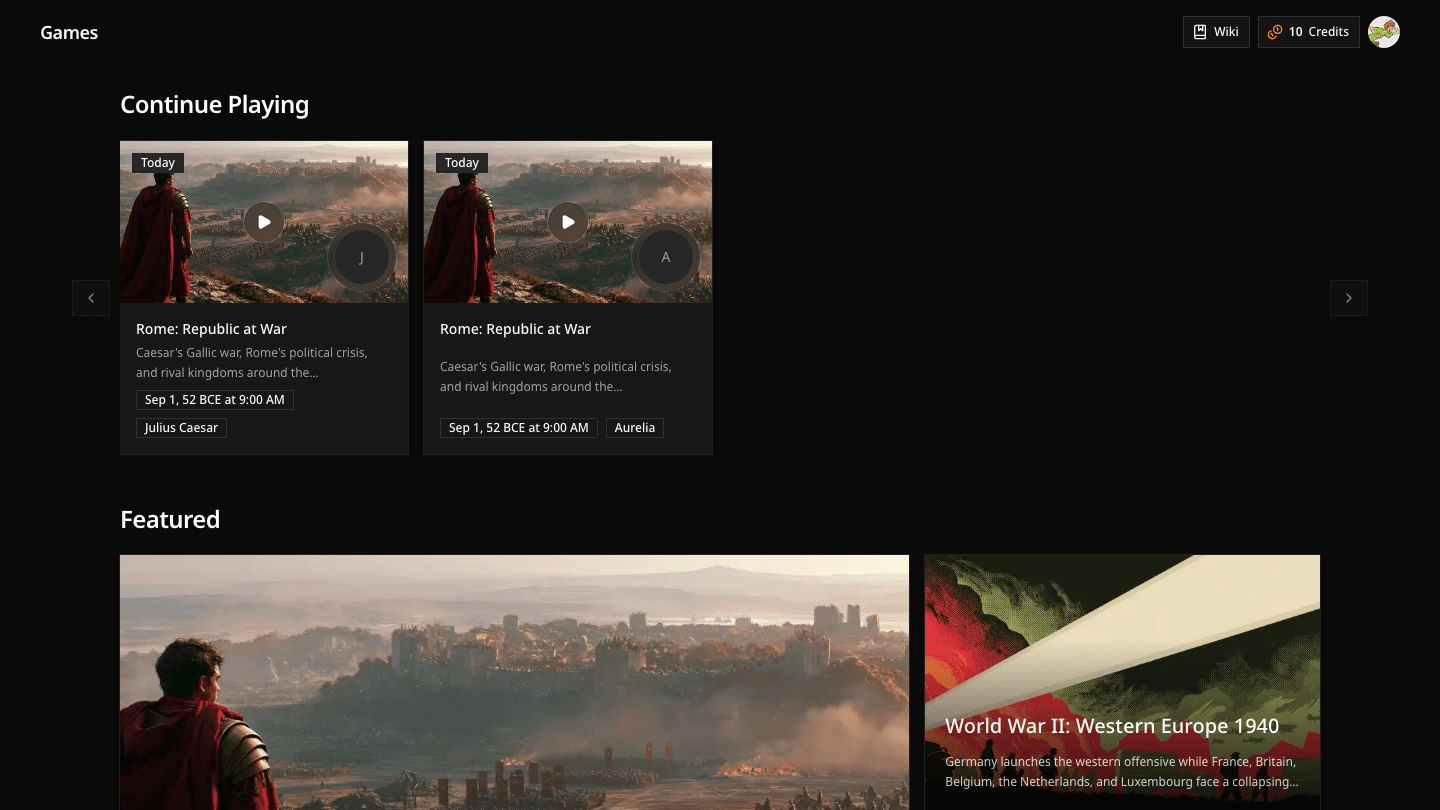
Open the Showcase to browse games. Featured games are selected introductions to Davia; Continue Playing appears when you already have a save.
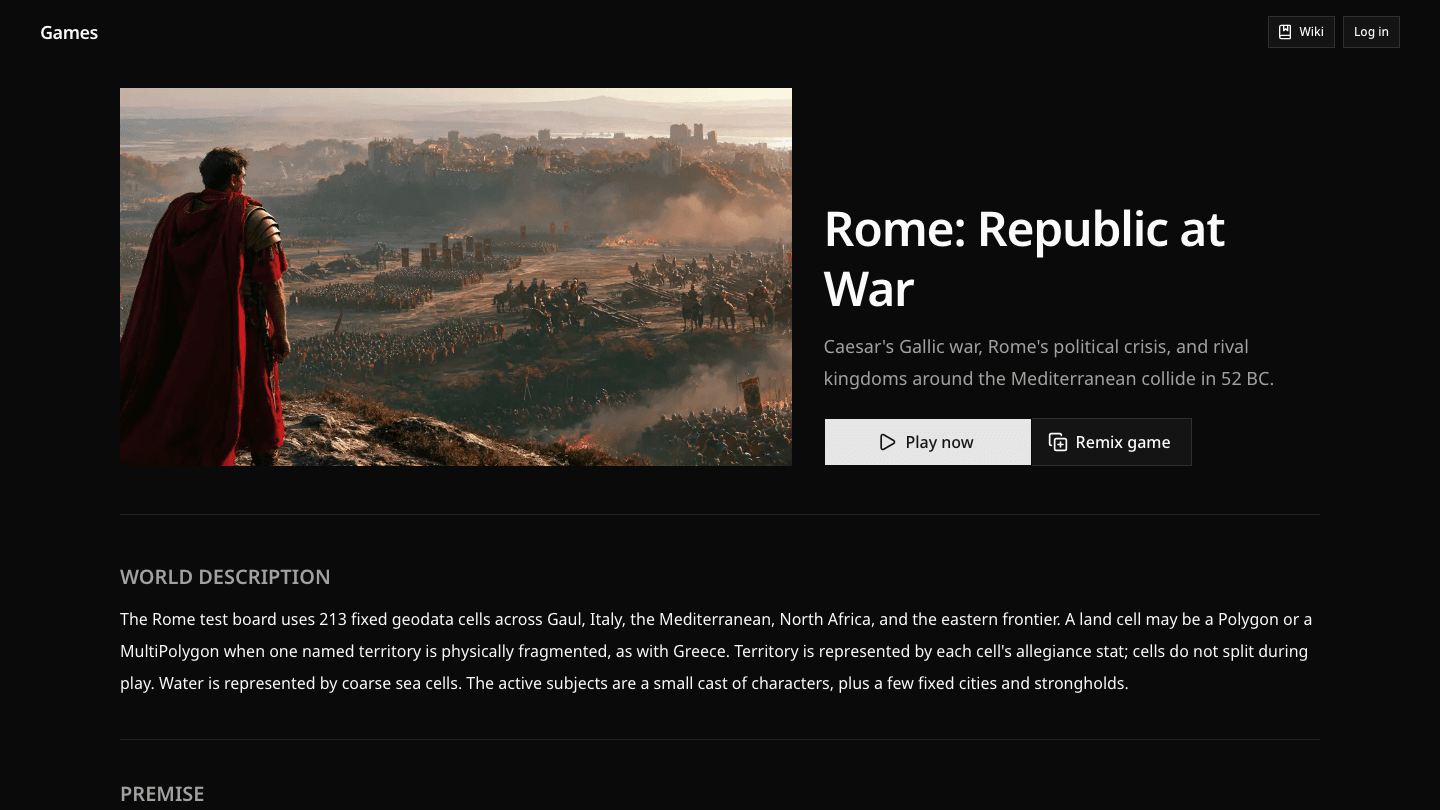
The highlighted Rome card below is a complete world rather than a campaign with one required protagonist. Every available role enters the same 52 BC conflict from a different position.
Sign in
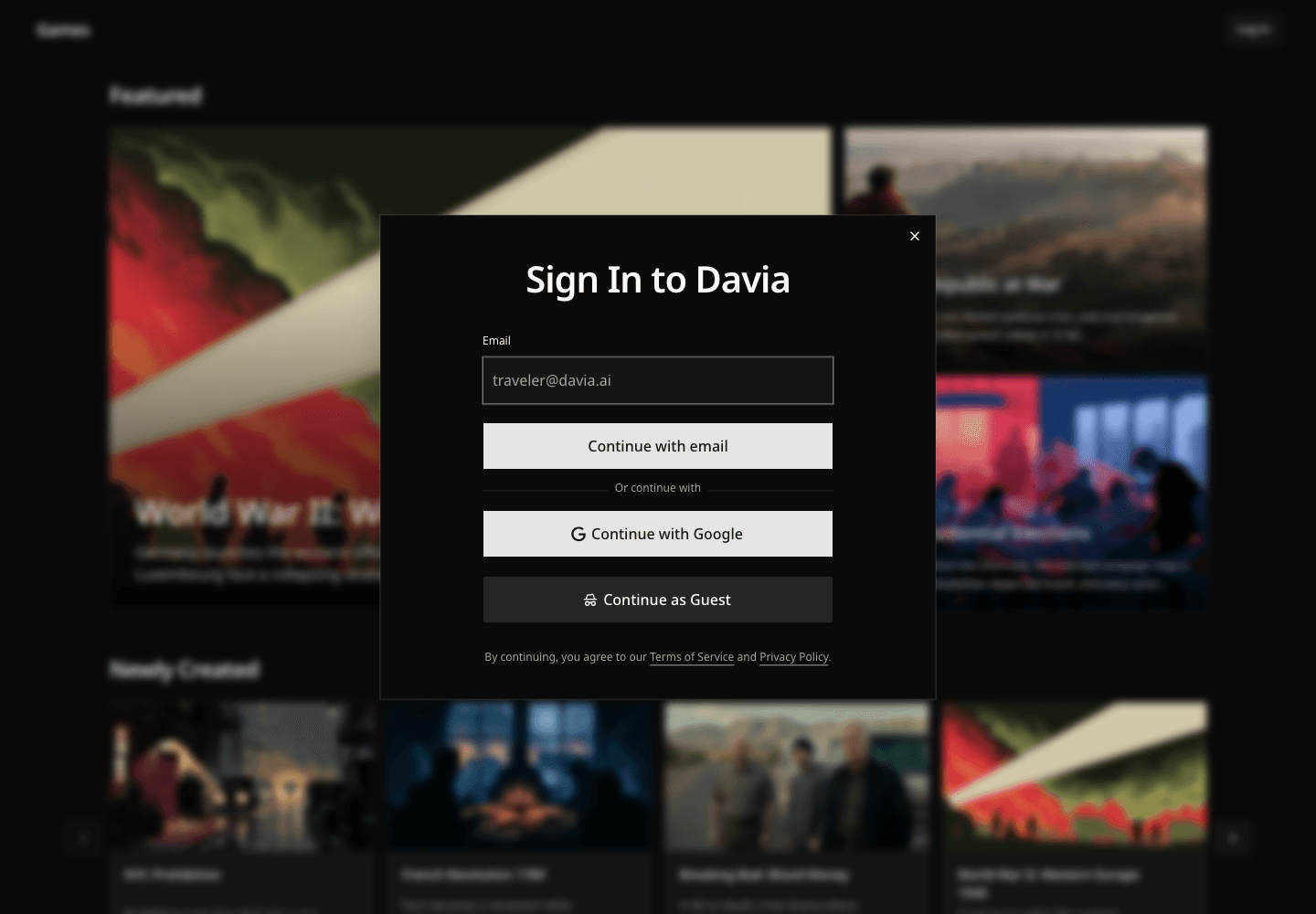
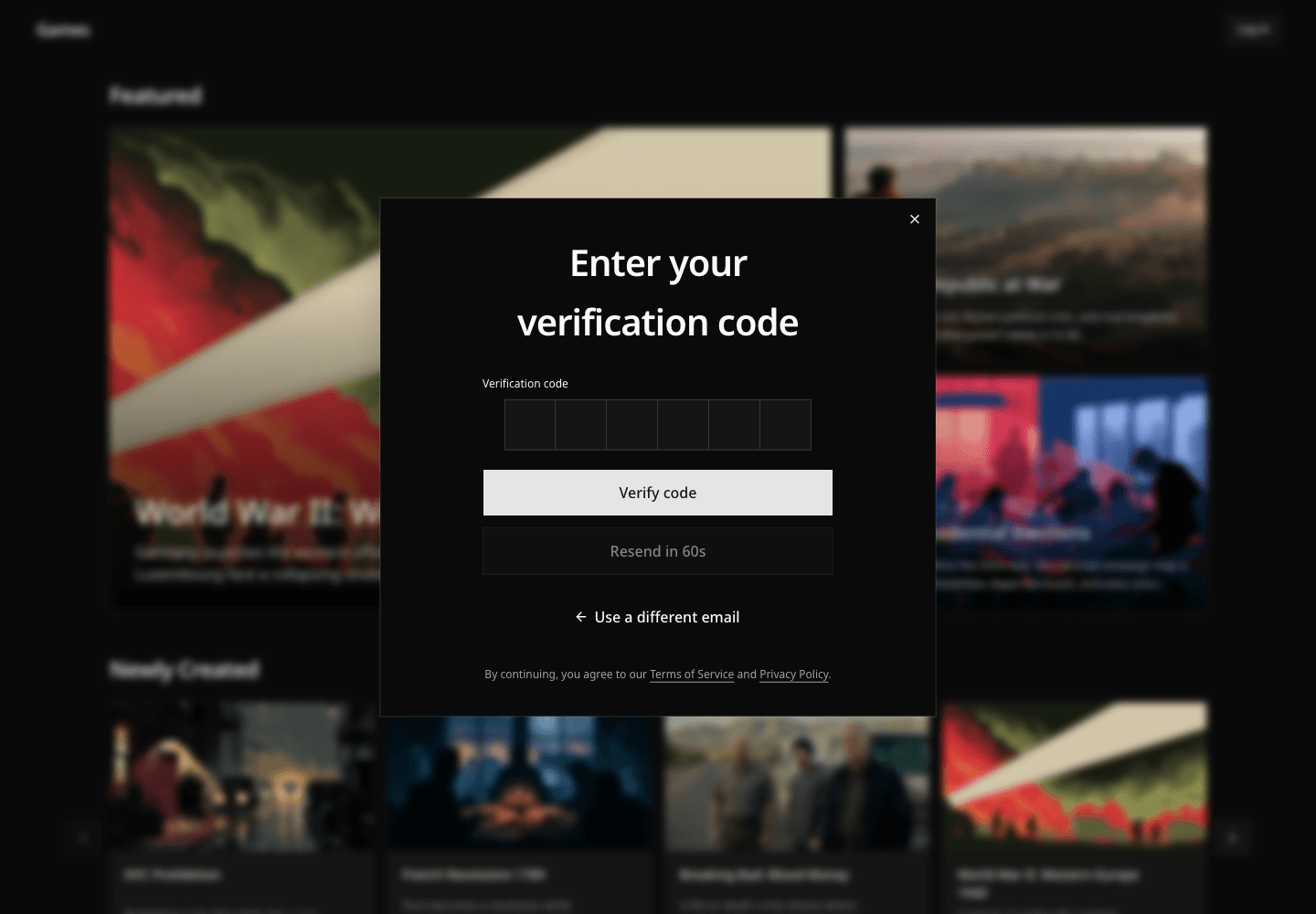
Signing in keeps your saves and Credits attached to your account. Enter your email, then use the six-digit code Davia sends you. Google sign-in is available too.
You can enter as a guest when that option is shown, but a guest save belongs to that browser session and is easier to lose.
Read the promise
A game's page tells you what kind of world you are about to enter. Read its premise, world description, and rules before selecting Play now. These are not flavor text: they define the situation and the boundaries that every role shares.
Choose who you are
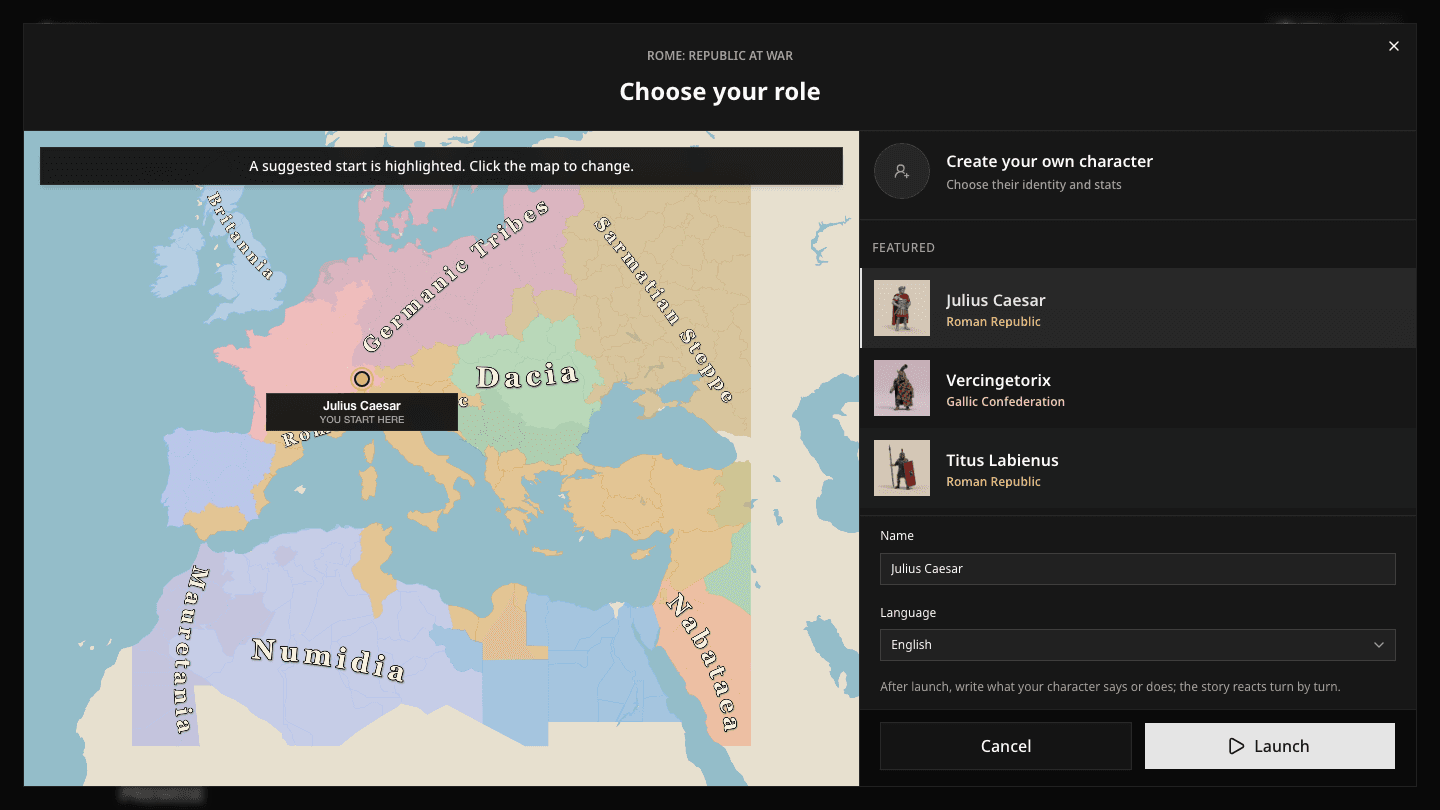
The launch screen guides you through three choices:
- Choose one of the game's roles, or select Create your own character to define a name, description, and starting stats. Featured roles are the creator's recommended starts, not the only valid choices.
- Confirm the suggested starting position on the map or select another valid start.
- Open Settings if you want to pick difficulty and realism, check the name and language used for your game, then select Launch.
The first time you launch with a new account, Davia opens Settings so you can choose those defaults. See Game settings for what each level changes.
An existing role gives you that character and its initial stats. A custom character begins with a balanced mix inspired by the game's cast, which you can adjust before choosing a starting position. Who you become changes what other characters know about you, want from you, and can plausibly do in your presence.
Take in the opening moment
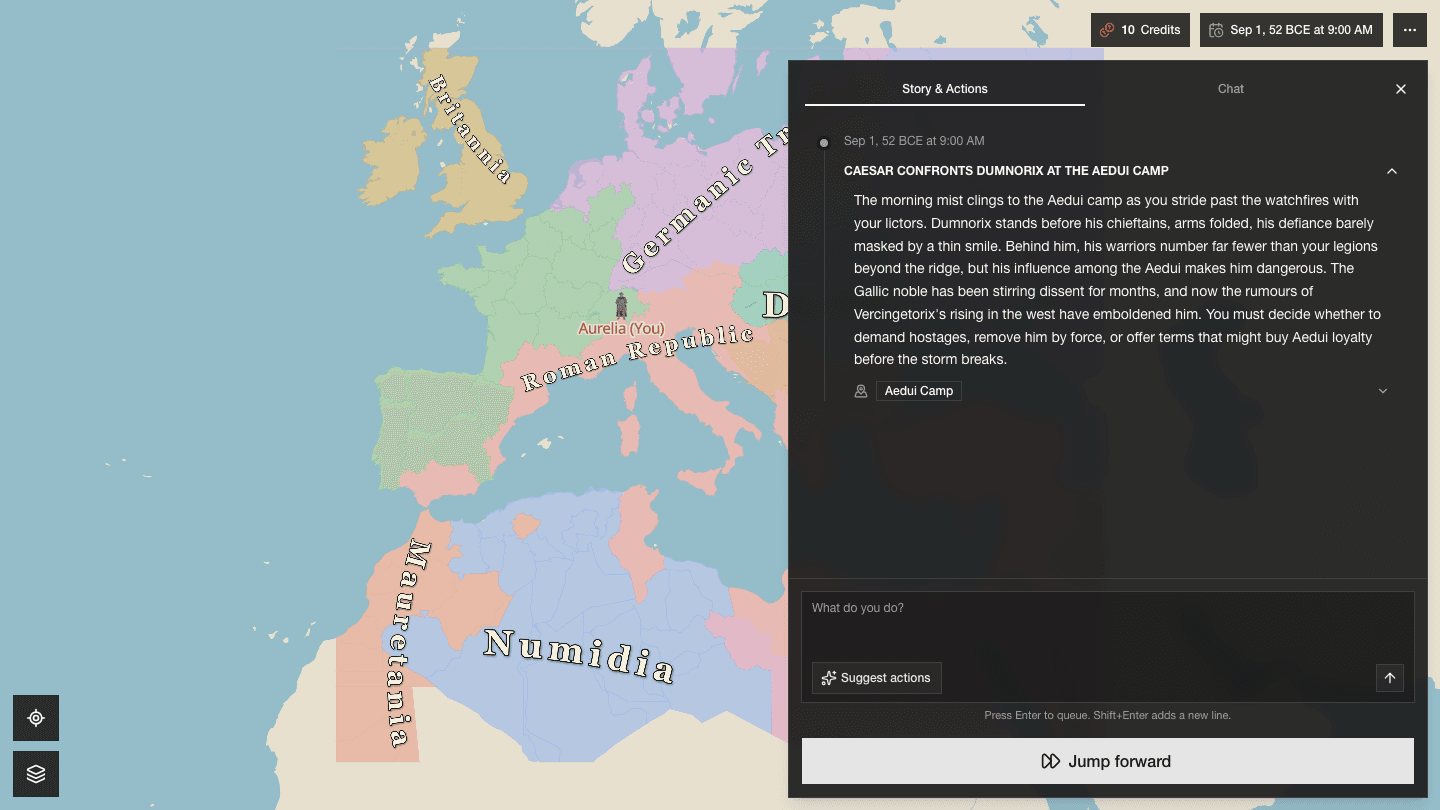
When the game opens, the map and journal describe the same situation from two angles:
- Story & Actions records what is happening and gives you a place to state your next move.
- The map shows where your character is and how the wider world is arranged.
You do not need to understand every border or stat before acting. Read the opening event, decide what your character cares about, and write one concrete action.